Everyone wants to keep costs down when launching a website, and there is nothing wrong with cheap hosting — done right. The problem is that “cheap” and “poor value” are easy to confuse. A plan that looks like a bargain can end up slow, insecure, or far more expensive than the sticker price once you hit renewal.
This guide explains how to find genuinely good-value WordPress hosting in New Zealand: what “cheap” should and should not mean, the essentials you must not sacrifice, the traps that turn a bargain sour, and roughly what things cost in 2026.
What “cheap” should and shouldn’t mean
Cheap done well means a low price with the essentials still intact. Cheap done badly means paying less by giving up things that matter — up-to-date software, backups, security, or support — and paying for it later in downtime or a hacked site.
The good news is that in 2026 you do not have to choose between affordable and competent. Budget hosting has improved enormously, and plenty of low-cost plans cover the fundamentals well. You just need to know what to check.
The essentials you keep, even on a budget
Some things are non-negotiable regardless of price. A cheap plan that skips these is not a bargain.
The non-negotiables — even on the cheapest plan
- ✓ Free SSL certificate (Let’s Encrypt) — never pay extra for this in 2026
- ✓ Current PHP (8.3+) and a MySQL 8.0+ / MariaDB 10.6+ database
- ✓ Automatic (or easy) backups you can actually restore from
- ✓ A real uptime commitment (look for 99.9%)
- ✓ Support you can reach when something breaks
- ✓ A server near NZ, or a CDN, so your visitors aren’t slowed down
If a cheap plan is missing any of these, it isn’t a bargain — it’s a cost you’ll pay later.
The one worth stressing is software currency. WordPress 7.0 arrived in May 2026 and runs best on PHP 8.3 or newer, with a MySQL 8.0+ or MariaDB 10.6+ database and HTTPS on every install. A host still defaulting to old PHP is a warning sign — not because your site won’t load, but because it shows they are not keeping up. And a free SSL certificate via Let’s Encrypt is standard now; if a plan charges extra for SSL in 2026, walk away.
Where budget hosts genuinely save you money
Low prices are not always a red flag. Cheap hosts keep costs down in legitimate ways: sharing server resources across many sites, offering self-service tools instead of hand-holding, and discounting longer contracts.
There is also a hidden saving worth naming. A plan that includes automatic core and plugin updates spares you the maintenance time — or the fees — of doing it yourself. On a small site, that convenience can be worth more than the few dollars a month you would save on a barer plan.
Red flags: where “cheap” turns expensive
This is where most budget-hosting regret comes from. Watch for these before you buy.
Cheap-hosting red flags — and what good looks like
| Red flag | Why it costs you | What good looks like |
|---|---|---|
| Renewal price jump | Bill 2–3× higher after the first term | Renewal rate shown up front |
| SSL costs extra | Paying for something that should be free | Free Let’s Encrypt SSL included |
| Old PHP by default | Slower, less secure, poorly maintained host | PHP 8.3+ available and current |
| “Unlimited” everything | Usually throttled by fine print | Clear, honest resource limits |
| Paid migration | A fee to move a site you already own | Free assisted migration offered |
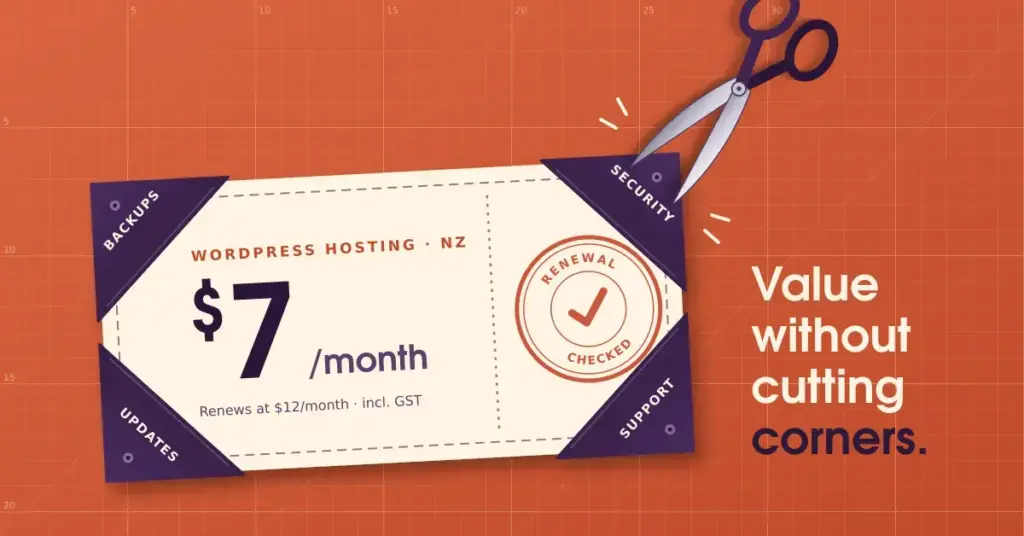
The biggest by far is the renewal jump. Introductory pricing is common, and the low headline rate often two or three times its size when the first term ends. Always check the renewal price, not just the sign-up price, and factor it into your budget from the start.
Roughly what it costs in NZ
Treat these as rough 2026 guide bands, not quotes, since prices vary by provider and change often:
Budget international shared plans can start very low — around NZ$3 to NZ$7 a month on long contracts — while quality New Zealand-based shared hosting typically runs about NZ$5 to NZ$35 a month. Managed WordPress hosting, which bundles in updates, backups, and support, generally sits around NZ$35 to NZ$105. A .nz or .co.nz domain adds roughly NZ$20 to NZ$40 a year, and SSL should be free.
For a fuller breakdown of the plan types behind these bands, see our guide to WordPress hosting plans in NZ.
Does a cheaper overseas server hurt my SEO?
You will sometimes read that hosting outside New Zealand harms your Google ranking directly. That is overstated. Google does not penalise you simply for a non-local IP address.
What is true is that a server far from your visitors responds more slowly, and speed — measured by Core Web Vitals — is a genuine ranking factor. So a very cheap server on the other side of the world can hurt indirectly, through a slower experience for your NZ audience. A budget host with a server in or near New Zealand, or one using a content delivery network, sidesteps that.
Cheap versus free
If you are tempted by a free plan, read the fine print first. Free website tiers usually come with the provider’s branding, limited features, and no custom domain — fine for testing an idea, less so for a real business site. Our guide to free website builders in NZ covers exactly what “free” gets you and where it stops.
For most people, a modest paid plan is better value than wrestling with a free one’s limits. And whichever way you go, the main WordPress hosting NZ hub links to the rest — choosing, installing, and securing your site.
This article is general information to help you compare hosting on value, not specific purchasing advice. Prices, plans, and software requirements change often — confirm the current details, including the renewal price, with the provider before you buy.
Reference sources
Frequently asked questions
Is cheap WordPress hosting any good?
It can be. In 2026 many budget plans cover the essentials — current PHP, free SSL, backups, and decent uptime — perfectly well. “Cheap” only becomes a problem when a plan saves money by cutting those essentials, so check what is actually included rather than going by price alone.
What is the cheapest way to host a WordPress site in NZ?
Budget international shared hosting is usually the lowest headline cost, sometimes just a few dollars a month on a long contract. Quality NZ-based shared hosting costs a little more but offers local support and lower latency for Kiwi visitors. Always check the renewal price before committing.
Why is my hosting bill higher at renewal?
Because the sign-up rate was an introductory offer. Many hosts advertise a low first-term price that rises — often substantially — when it renews. This is the most common budget-hosting trap. Check the ongoing price, not just the promotional one, before you buy.
Do cheap hosts include an SSL certificate?
Reputable ones do, free, via Let’s Encrypt — it is standard in 2026. If a plan charges extra for basic SSL, treat that as a red flag and look elsewhere. A secure site is not an optional upgrade.
Will a cheap overseas server slow my site down?
It can, for your New Zealand visitors, because data travels further. Speed affects both user experience and search rankings through Core Web Vitals. A budget host with a server near New Zealand, or one using a content delivery network, avoids most of that penalty.
Is free hosting a better option than cheap hosting?
Rarely, for a real site. Free plans usually add the provider’s branding, limit features, and withhold a custom domain. They suit testing an idea, but a modest paid plan is generally better value once you are serious.
How can I keep hosting costs down safely?
Pay for a longer term to lock in a lower rate, choose a plan that includes automatic updates and backups to avoid maintenance fees, and skip add-ons you do not need. Just never economise on SSL, backups, or current software — those save you far more than they cost.